



Live preview
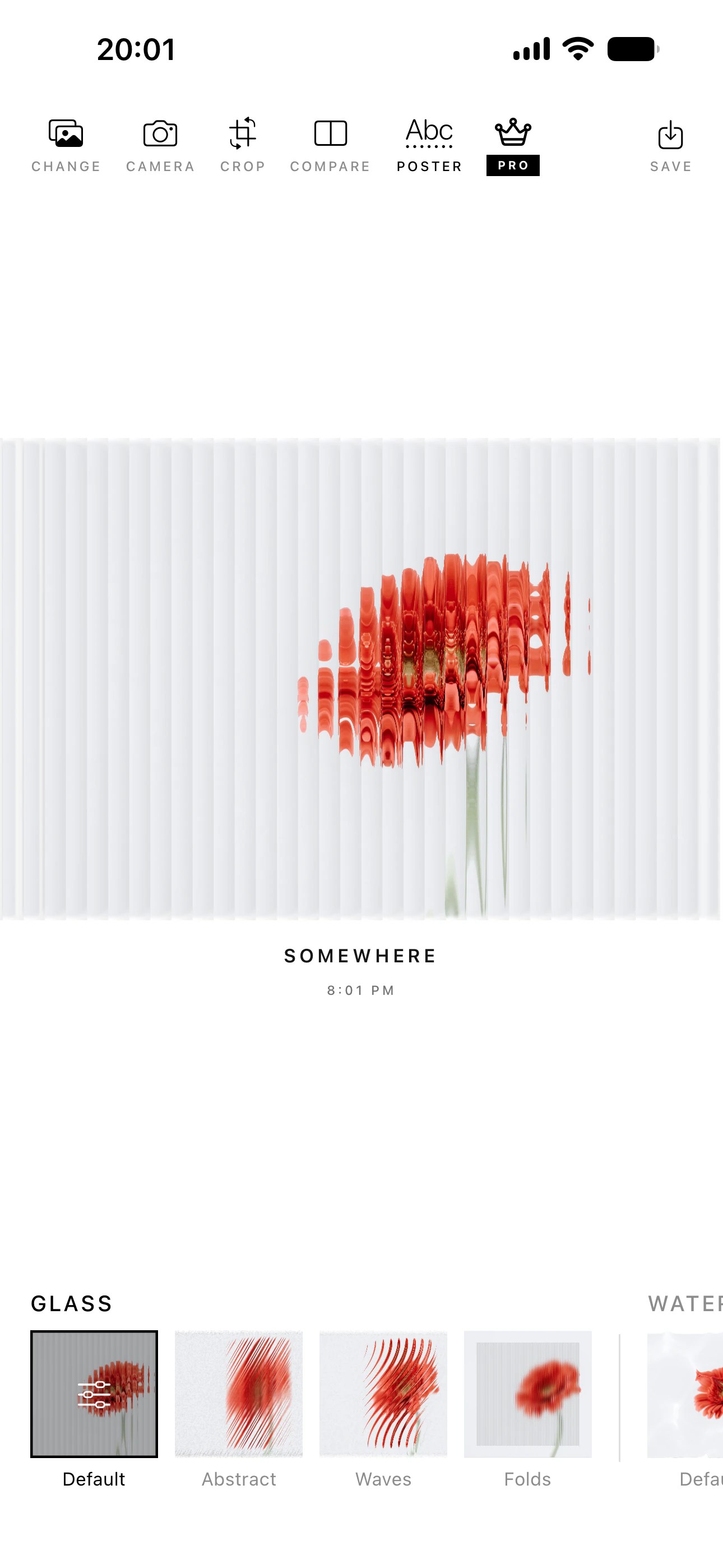
Watch texture, color, scale, and distortion update instantly.
Choose a look, shape every detail, then export in high quality. No account. No uploads.
App Store
Made for artists, photographers, and curious image-makers.
real-time effect families
on-device processing
one-time Pro unlock
Live creative control
See every change while you make it. PhotoShaders keeps the process immediate, playful, and precise.
Watch texture, color, scale, and distortion update instantly.
Start from a preset, then tune the result into your own look.
A different image language
From retro pixels to tactile materials, every effect is designed to feel expressive before it feels complicated.
Pixel patterns, palettes, and texture with a distinctly graphic edge.
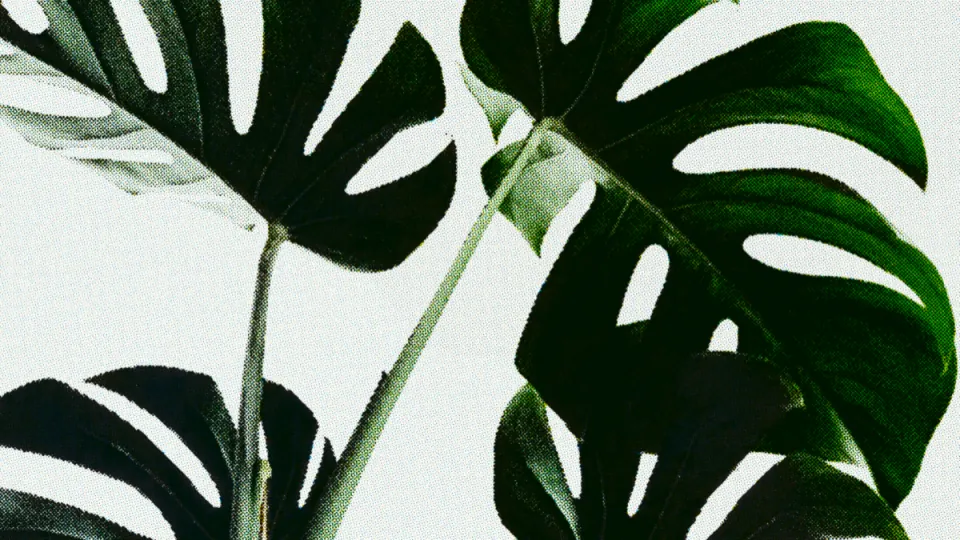
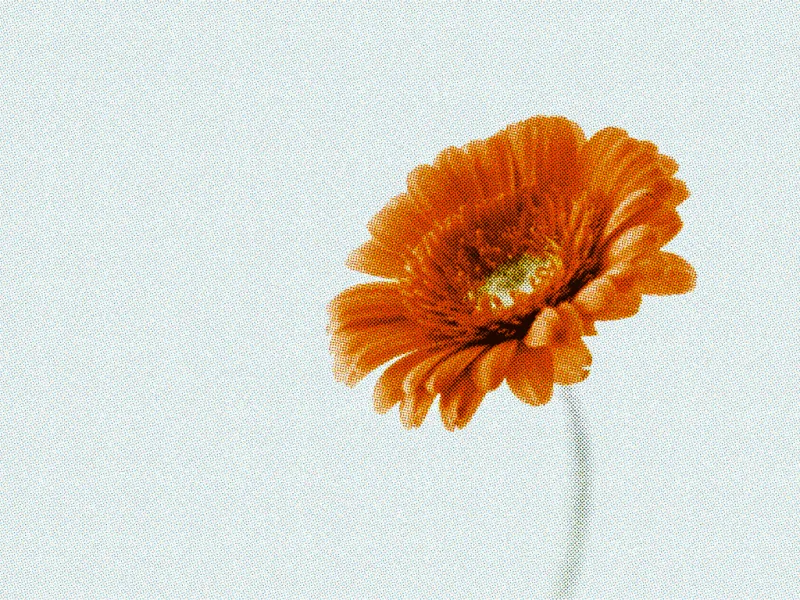
Shape dots, newsprint grain, and four-color CMYK separation.
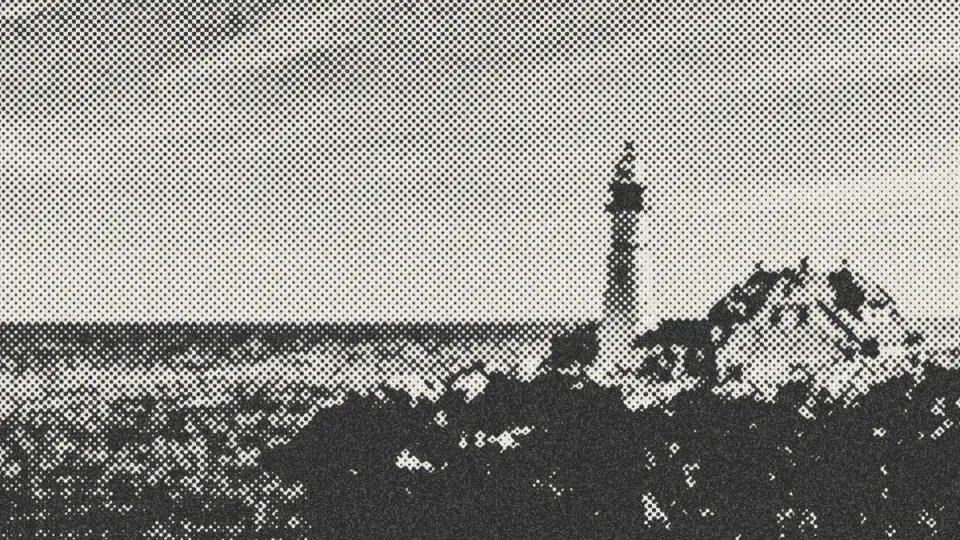
Move through paper, fluted glass, and water-like distortion.
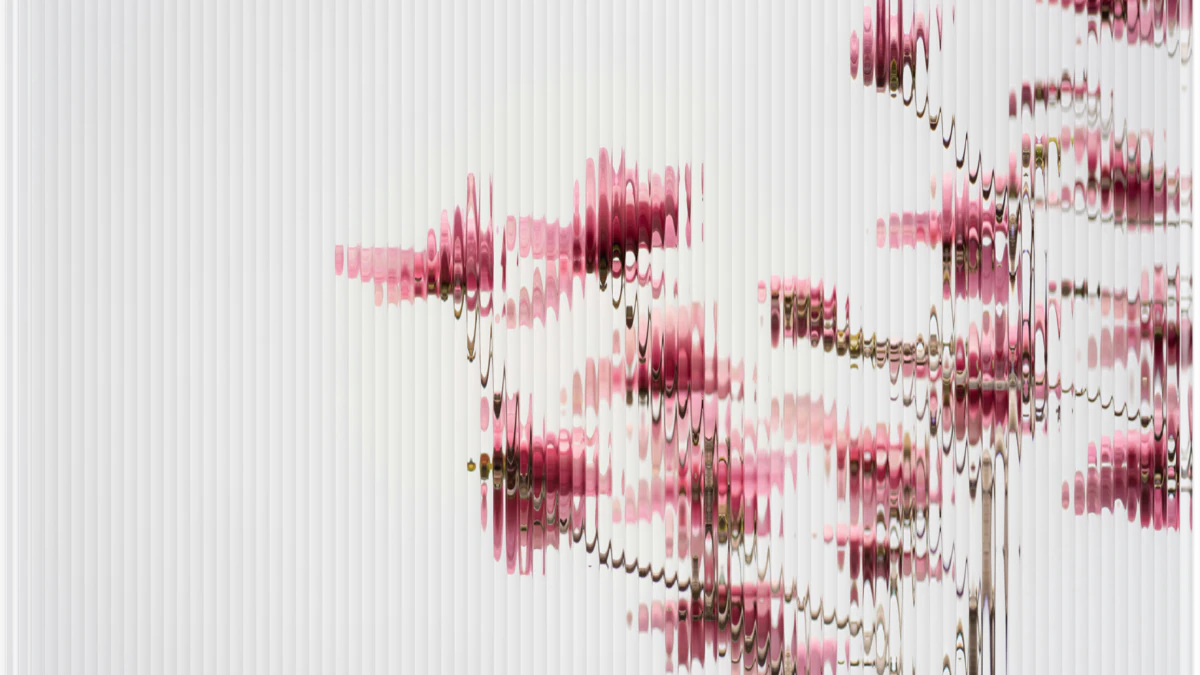
Crop, compare, add a minimal metadata poster, and export.
Get started
Move from camera roll to finished image without breaking your creative rhythm.
Open an image from Photos, Camera, or directly from the iOS Share Sheet.
Pick a shader or preset and adjust it while the image responds in real time.
Compare, crop, add a poster finish if you want, then export in high quality.
Find a strong starting point without flattening your own taste.
Preview and adjust without waiting on remote processing.
Your photos stay on your device. No account or tracking.
Open from the Share Sheet and export straight back to Photos.
Explore effects
Move between nostalgic pixel systems, analog print texture, and fluid material distortion in a single editor.
Explore the effects
A clean finish
Compare with the original, crop, save, and share. Your image never needs to leave your iPhone.
Get PhotoShadersMade for visual thinkers
“Turn clean digital photos into rough, rhythmic images that feel pulled from a risograph print.”
“Explore pixel patterns, reduced palettes, and graphic texture without moving to a desktop workflow.”
“Add a tactile counterpoint to polished photography, then export the finished frame in one pass.”
“Build a recognizable visual language for social posts, covers, posters, and campaign experiments.”
Pricing plans
Start free, preview every Pro effect, then pay once when you want the complete PhotoShaders studio. No subscription and no recurring charge.
For exploring tactile effects
No purchase required.
Download and start creating.
For the complete creative toolkit
US storefront · ¥6.00 in mainland China
The App Store shows your local price.
No. Photo editing happens on your device. PhotoShaders has no accounts, analytics, advertising, or third-party tracking.
Glass, Water, and Paper are available for free. Pro effects can be previewed before you choose the one-time unlock.
No. PhotoShaders Pro is a one-time, non-consumable in-app purchase handled by Apple.
Yes. You can send a photo directly into PhotoShaders from the system Share Sheet, then edit and save it back to Photos.
PhotoShaders is designed for iPhone and requires iOS 17 or later.
Find a shader, follow the texture, and turn a familiar photo into something you have not seen before.